Rendering modes
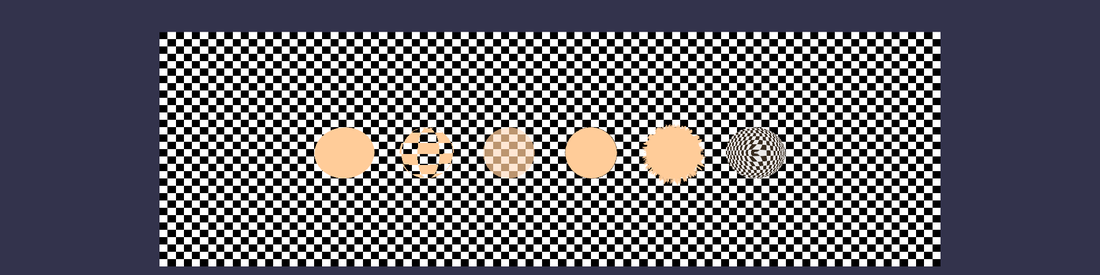
The rendering mode decides how a material is drawn: solid, with holes, see-through, as fur, and so on. NekoToon switches to a matching shader variant for each mode, so you never pick the hidden shaders by hand.
Modes#
| Mode | Use for | Notes |
|---|---|---|
| Opaque | Skin, clothes, most hair | Cheapest and safest. Alpha is ignored. |
| Cutout | Lace, leaves, hair cards, hard-edged holes | Pixels below the cutoff are discarded; no sorting problems. |
| Transparent | Glass, sheer fabric, eye highlights, blush overlays | Alpha blended. Can sort wrongly against other transparent objects; see the transparent modes below. |
| Refraction / Refraction Blur | Glass, water, crystals that bend what is behind them | Uses a grab pass, which is expensive in VRChat. See Refraction. |
| Fur / Fur (Cutout) / Fur (Two Pass) | Ears, tails, plush clothing | Geometry shader, PC only. Fur style (Strands / Shell / Card) is chosen inside the Fur section: see Fur styles. |
| Gem | Jewels, crystals | Special refractive gem look. See Gem. |
Transparent modes#
With Transparent (and Fur) you can also choose how the transparent surface is drawn:
- Normal: the standard transparent shader. Extra point and spot lights are added in a separate pass.
- OnePass: everything in a single pass, without the separate extra-light pass. Cheaper, and avoids the "double layer" look that the extra pass can cause on overlapping transparent parts.
- TwoPass: like OnePass, but draws the back faces first and the front faces second. Fixes most self-sorting problems on skirts, hair or sleeves seen from behind, at the cost of one more pass.
All three render in the queue just after cutout objects (render queue 2460, "AlphaTest+10") by default; you can change it in Rendering.
Variants you can combine#
- Outline: adds an inverted-hull outline pass to Opaque, Cutout or Transparent. Toggle it with the Outline button in the presets row. See Outline.
- Lite: a lighter shader type with fewer features for lower cost (set in Rendering → Shader Type).
- Tessellation: smooths silhouettes by subdividing triangles. Very expensive; PC only. See Tessellation.
- Multi (404/NekoToon Extras/NekoToonMulti): one shader with all modes selectable inside the material, using shader keywords.
Extras shaders#
Under 404 → NekoToon Extras you will also find optional helper shaders: FakeShadow (casts a fake shadow, e.g. hair onto the face), Overlay (a second material layered on top of another), OutlineOnly (just the outline, for an extra material slot) and FurOnly (just the fur, on top of an existing material).
For VRChat performance, prefer Opaque and Cutout. Use Transparent only where you need soft see-through edges, and avoid Refraction and Tessellation on large meshes.